
Interplay
Minecraft
Ender Slayer
Expected Playtime : 5 hrs
Competitive content to be the first to defeat the Ender Dragon
Multiplayer
Goal-based
Versus
🐲 Welcome to Ender Slayer!
Ender Slayer is a competitive Minecraft streamer server where players race to be the first to defeat the Ender Dragon.
Who will land the final blow and claim victory in the ultimate moment? 😎
⛳️ Game Rules
- Deliver the final hit to the Ender Dragon and win the race!
- The player who reduces the Ender Dragon’s HP to zero — in other words, lands the last hit — is declared the winner.
🕹️ Starting the Game
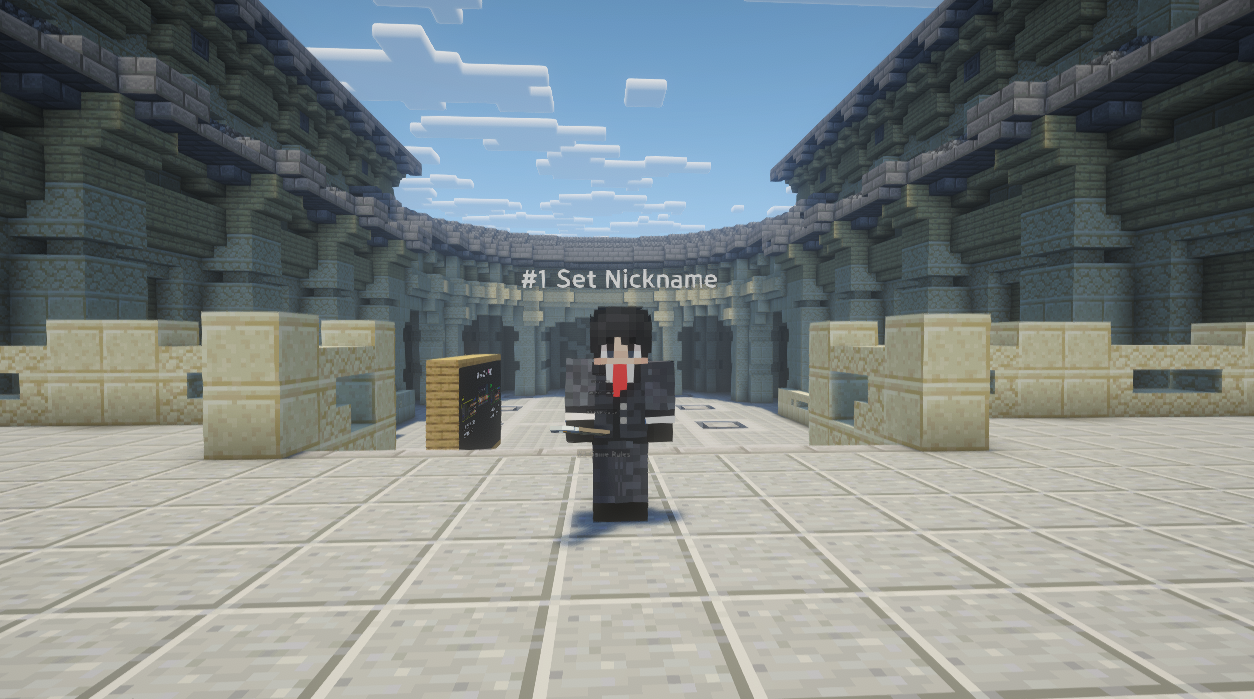
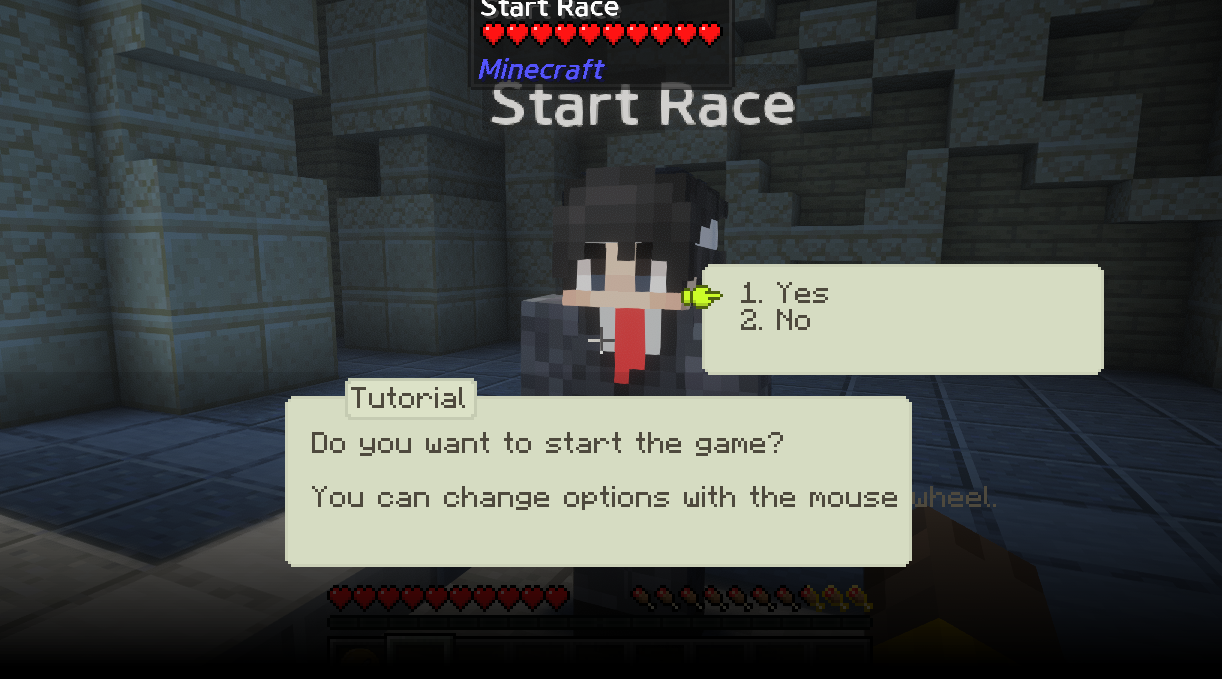
- When the game begins, players enter the lobby and proceed through the tutorial by right-clicking NPCs in sequence.
- Once all members have completed the tutorial, the race can be started by interacting with the Race Start NPC at the end of the lobby.
⚔️ PVP System
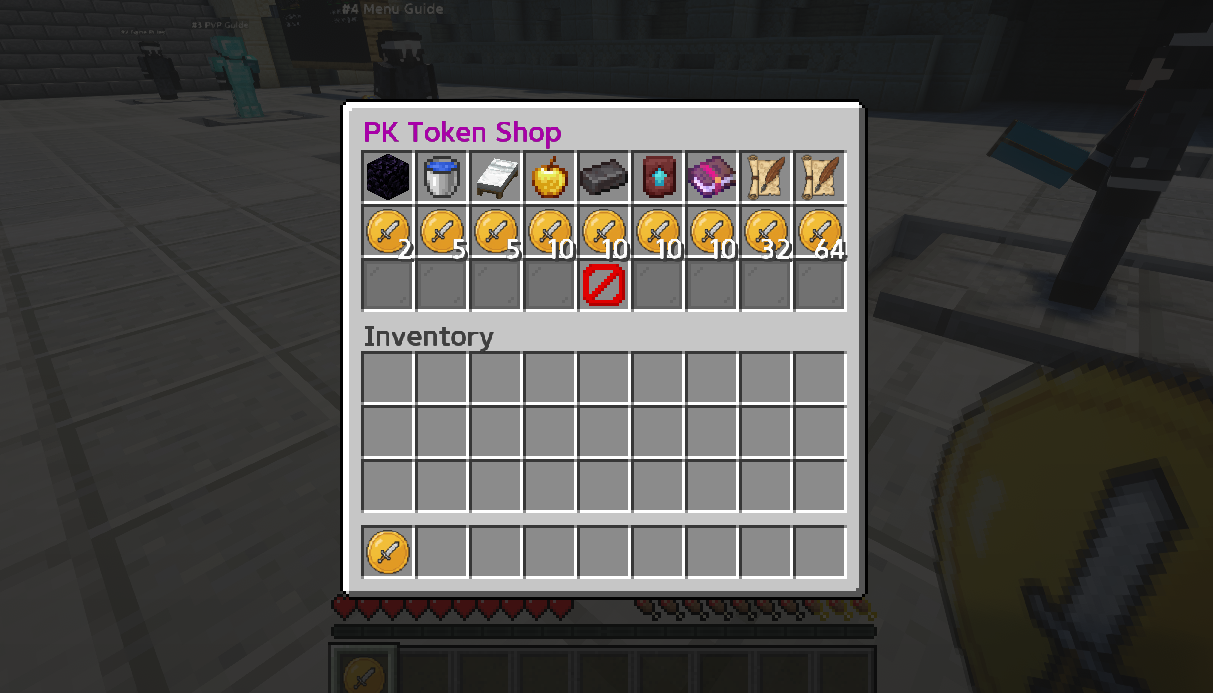
- Players who defeat members of other teams receive PK Tokens.
- The better the defeated player’s equipment, the more PK Tokens are awarded.
- Base reward: 5 PK Tokens
- Bonus: Up to 20 additional tokens based on the defeated player’s armor and weapon quality
- By holding PK Tokens and right-clicking, players can open the PK Token Shop, where tokens can be exchanged for various items that assist in hunting the Ender Dragon.
- PK Tokens become obtainable 10 minutes after the race starts. Players who have been killed once will not drop PK Tokens for 5 minutes, even if killed again.
- PK Tokens are not retained on death and will be dropped at the death location.
🚩 Team vs Team Mode
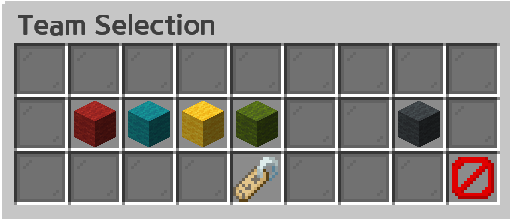
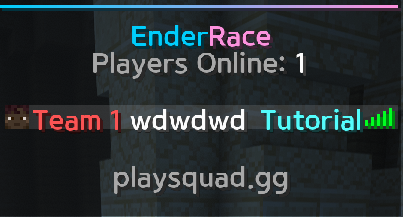
- Participants can divide into teams and compete in team-based races.
- Team members start the race at the same location and Victory objectives are shared among teammates
- PvP is disabled between team members
🔮 Menu
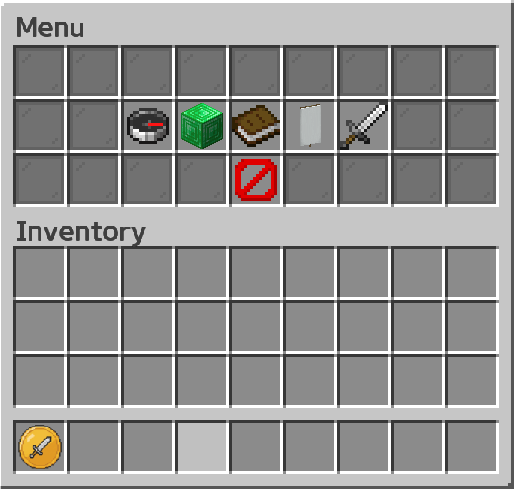
- Enter /menu in the chat to open the menu and access the following features:
Progress Tracker
- View how far other race participants have progressed in defeating the Ender Dragon, and see which world they are currently in.
OP Permissions
- Grants administrative permissions for handling necessary manual adjustments during gameplay.
Discord Server
- Join the Discord server to report bugs or inquire about issues.
Team Selection
- Change your current team and edit the team name.
Difficulty Selection
- Adjust the difficulty of the overworld. (Default: Normal)
💡 Miscellaneous
For more information please visit the pages below!